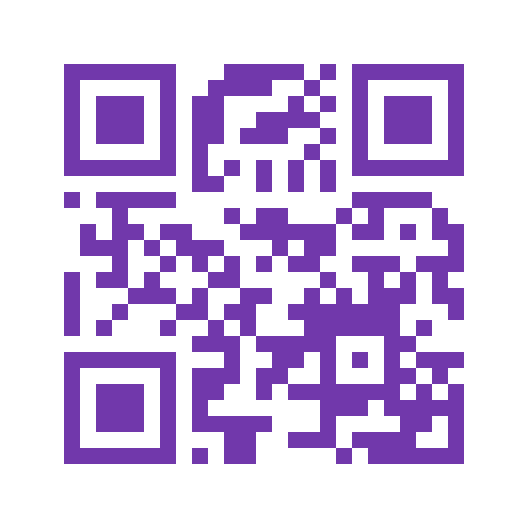
Make a link QR code
How toMake your website, event page or online resource easy to open with a scan.
- Free
- No account
- Generated in your browser
Preview & download
Your QR code
Waiting for contentYour QR code will appear here
Enter your content, then select Generate QR code.
PNG uses this pixel size. SVG opens at this size and can scale without losing quality.
Generate a code to enable downloads.
How to create a URL code
Make your website, event page or online resource easy to open with a scan.
- Enter a website address beginning with http:// or https://.
- Select Generate QR code.
- Check the code contents to confirm the address.
- Download PNG or SVG, then scan-test your code.
What to enter
- URL
- Use a complete website address, up to 2,048 characters, without spaces or login details. Your browser may standardise the address, such as adding a final slash.
Example
https://example.com/
Scanning your code
Most cameras offer to open the link. A private or local address will only work where it is accessible. We do not open the link or check its safety.
Sharing and privacy
Anyone with the code can read the address, including any private access tokens in the link. Avoid using sensitive links in public codes.
Read the printing and scan-testing guide · Understand static code limitations
Questions about URL codes
Can I change the address later?
Create a new code if the address changes. You can update the page at the same address without replacing the code.
Does my code expire?
The code does not expire, but the website may change or go offline.
Why was a final slash added?
Your browser standardises website addresses. Use Show code contents to check the address before downloading.